img

Running a clinic but feeling overwhelmed with management?

Book a free call with our KiviCare expert to get a personalized walkthrough of how the platform works and whether it suits your clinic’s workflow, team, and goals.

kivicare-1
Still on the fence? Let’s talk no hard sell.

Get Your Free Copy Now

Easily Accept Payments From Razorpay.

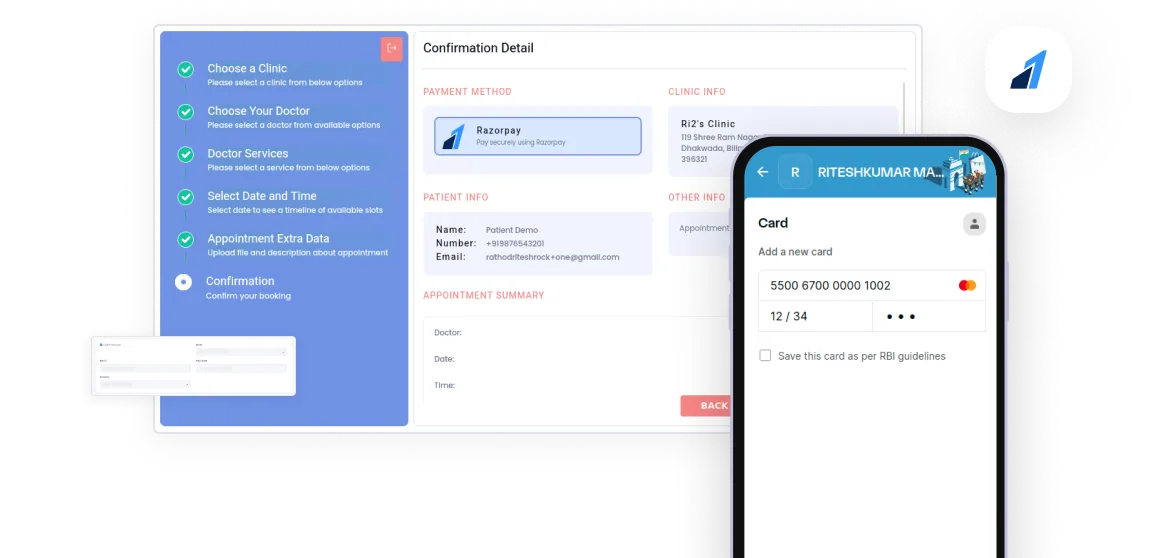
Now experience effortless payments with Kivicare Razorpay Add-On! Make transactions faster, easier than ever before.

Rated 5 out of 5

93,800+ Downloads

Frame (23)

How does Client Portal Help Patients?

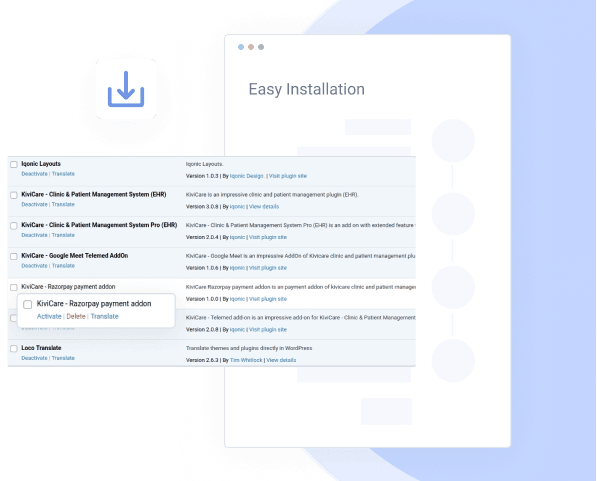
Easy Installation

Installing the Razorpay WordPress Plugin in your KiviCare system or any clinic management system is like eating a piece of cake. Simply install the plugin and follow the guide. 

Razorpay Payment Gateway Add-On | Razorpay WordPress Plugin | KiviCare

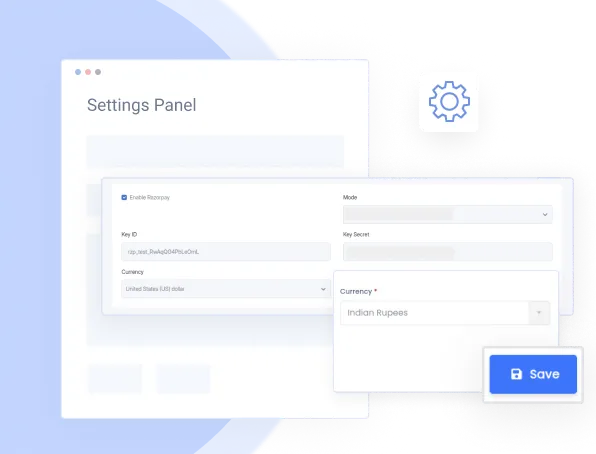
Intuitive Settings Panel

Easily connect KiviCare/complete clinic management solution with your Razorpay account by adding API Key and API Secret to the settings panel.

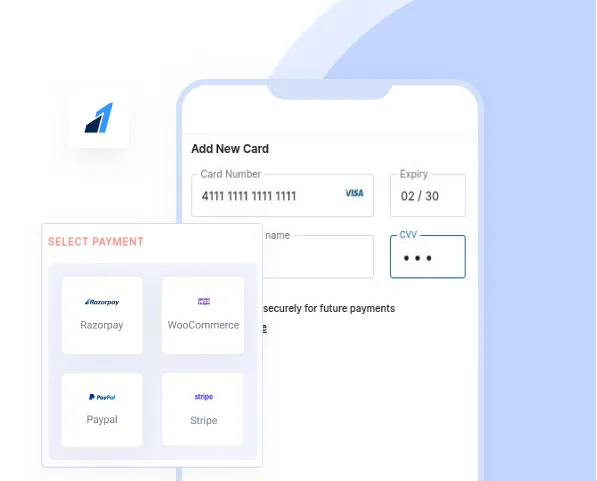
Smooth Integration in Booking Form

Once you install the Razorpay Payment Gateway Add-On, a new payment option - Razorpay gets added to the booking form automatically.

We’ll Walk You Through How KiviCare Solves Daily Clinic Frustrations.

Managing a clinic isn’t one-size-fits-all. Book a quick call and we’ll walk you through how KiviCare’s features can support your exact workflow from appointments to patient records and beyond.


Most clinics decide after one 20-minute walkthrough.

trusted customer

thousands of happy customers

Get your practice up & running in minutes. Access every feature in your free trial.